

You have signed up for Swaply, browsed a few listings, and now you are ready to jump in. The question is: how do you create a listing that actually attracts swap offers? The difference between a listing that gets dozens of offers and one that sits unnoticed often comes down to a few simple details — the right photos, a clear description, and smart categorization.
In this step-by-step tutorial, we will walk you through the entire process of listing your first item on Swaply. By the end, you will have a polished, professional listing ready to attract swap partners in minutes, not hours. Whether you are swapping a vintage guitar, a barely-used kitchen appliance, or offering a professional service, these principles apply to every listing.
Step 1: Take Great Photos
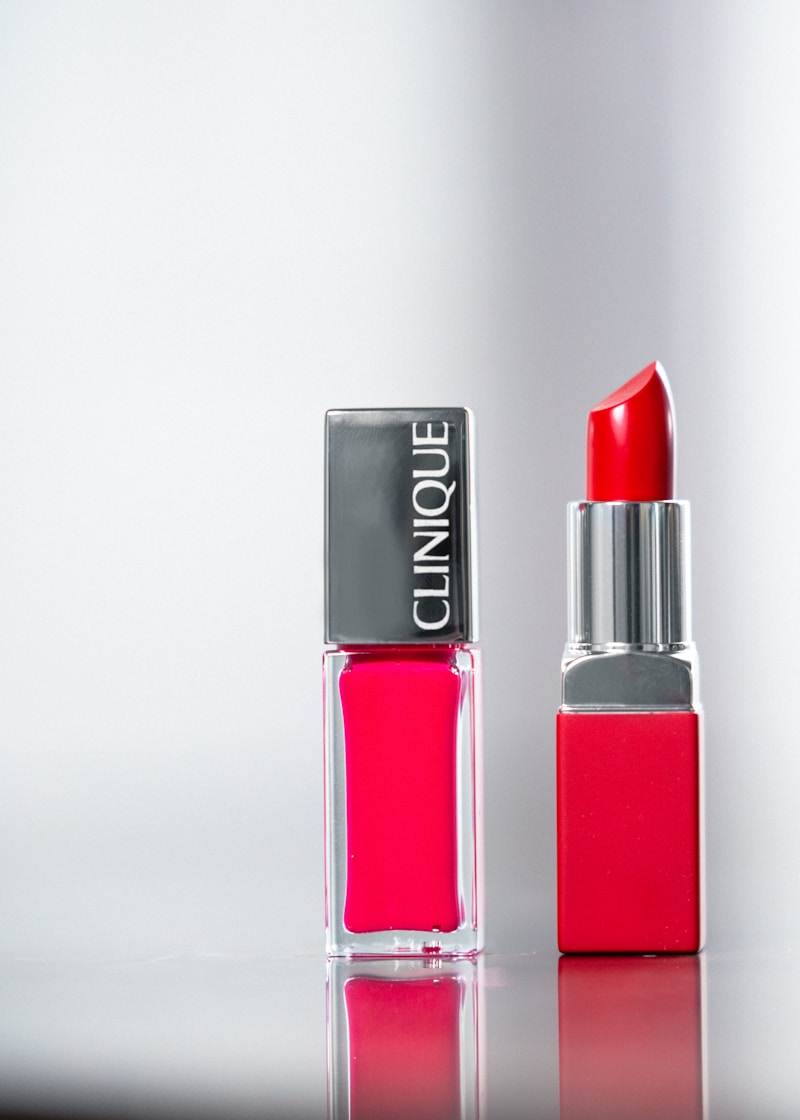
Photos are the first thing potential swap partners see, and first impressions matter enormously. Listings with high-quality photos receive up to five times more engagement than those with dark, blurry, or cluttered images. The good news is that you do not need professional equipment to take great product photos. Your smartphone is more than enough.
Here are the golden rules for product photography:
-
Use natural light — Shoot near a window during the day. Natural light is flattering and reveals true colors. Avoid harsh overhead fluorescent lights and direct flash, which create unflattering shadows and wash out details.
-
Choose a clean background — A white wall, a plain tablecloth, or even a large sheet of paper makes an excellent backdrop. The goal is to let your item be the star without visual distractions competing for attention.
-
Take multiple angles — Capture the front, back, sides, top, and any important details. For electronics, show the screen turned on. For clothing, show the tag with size and brand. For books, photograph the cover, spine, and any notable pages. Aim for at least four to six photos per listing.
-
Show imperfections honestly — If there is a scratch, a dent, or a stain, photograph it clearly. Honesty builds trust and prevents disputes later. Traders appreciate transparency, and it actually increases your credibility on the platform.
-
Keep your phone steady — Blurry photos are the number one reason listings get skipped. Hold your phone with both hands, brace your elbows against your body, or prop your phone against a stable surface. If your phone has a timer function, use it to avoid camera shake when pressing the shutter button.
-
Edit lightly — A slight brightness boost and contrast adjustment can make a big difference. Most smartphone camera apps have built-in editing tools. Avoid heavy filters that distort the item's true appearance.

Step 2: Write an Effective Title
Your title is the headline of your listing. It needs to be clear, specific, and searchable. A good title tells potential swap partners exactly what you are offering without making them click through to find out.
Follow this formula for writing effective titles:
Brand + Product Name + Key Specification + Condition
Here are some examples:
- "Apple iPad Air 4th Gen 64GB — Excellent Condition"
- "Patagonia Down Jacket Men's Size L — Like New"
- "Canon EOS 80D DSLR Body Only — Good Condition"
- "IKEA KALLAX Shelf Unit White 4x4 — Minor Wear"
Avoid vague titles like "Cool gadget for trade" or "Nice jacket." These tell the reader nothing and will be buried in search results. Be specific about the brand, model, size, color, and condition. Think about what search terms you would type if you were looking for this item, and include those words in your title.
Keep your title under 80 characters so it displays fully on all devices. Front-load the most important information — brand and product type — since that is what people scan first.
Step 3: Write a Compelling Description
Your description is where you sell the story of your item. While the title gets people to click, the description convinces them to make an offer. A great description answers every question a potential swap partner might have before they even ask.
Structure your description in this order:
-
Opening summary — One or two sentences describing what the item is and why it is worth swapping for. Lead with the most compelling detail.
-
Specifications and details — List the technical specs, dimensions, included accessories, or any relevant details. Use bullet points for easy scanning.
-
Condition description — Be honest and specific about the item's condition. Instead of just saying "good condition," describe exactly what that means: "Used for six months, screen has no scratches, minor scuff on the back case, battery holds a full charge."
-
History and context — Briefly mention how long you have had the item, how often you used it, and why you are swapping it. This adds a personal touch and builds trust.
-
What you are looking for — Mention what kinds of items or services you would be interested in receiving. This helps potential swap partners self-select and saves everyone time.
Here is an example of a strong description:
Barely-used Canon EOS 80D camera body in excellent condition. Purchased in 2024, used primarily for a photography course and a handful of weekend shoots. Shutter count is under 5,000 (well below the 100,000-rated lifespan). Includes original box, charger, battery, strap, and manual. No scratches on the body or sensor. Looking to swap for a quality acoustic guitar, a drone, or high-end kitchen equipment. Open to other offers as well.
Step 4: Set an Estimated Price
Even though you are bartering, not selling, setting an estimated value for your item is crucial for fair swaps. The estimated price helps potential swap partners gauge whether a trade would be roughly equal in value.
Here is how to determine a fair estimated value:
-
Check the current market price — Look up what the item sells for new and used on major marketplaces. This gives you a baseline.
-
Factor in condition and age — A general rule of thumb is that used items in good condition are worth 50-70% of their retail price. Items in excellent or like-new condition can be valued at 70-85%. Items with noticeable wear are typically 30-50%.
-
Be realistic, not optimistic — Overpricing your item scares away potential swap partners. It is better to price slightly below market value and attract multiple offers than to price high and hear nothing.
-
Consider completeness — Items with original packaging, accessories, and documentation are worth more than bare items. If you still have the box and manual, mention it and factor it into your valuation.
The estimated price on Swaply is not a selling price. It is a reference point that helps both parties feel confident that the swap is fair. Think of it as a conversation starter, not a firm demand.

Step 5: Choose the Right Category and Subcategory
Proper categorization ensures your listing appears in the right searches and reaches the right audience. Swaply offers a comprehensive category system designed to make items discoverable.
When selecting a category:
-
Be specific — If you are listing a laptop, do not just select "Electronics." Go deeper into "Electronics > Computers > Laptops." The more specific your category, the more targeted your audience.
-
Think like a searcher — Where would someone looking for your item expect to find it? If you are listing a yoga mat, would someone look in "Sports & Fitness" or "Health & Wellness"? Choose the category that matches the most common search behavior.
-
Use tags wisely — In addition to categories, Swaply allows you to add tags to your listing. Use tags for attributes that do not fit neatly into the category system, such as "vintage," "handmade," "limited edition," or "bundle."
-
Double-check before publishing — A misclassified listing is an invisible listing. Take a moment to review your category selection before hitting publish.
Bonus Tips for Getting Matched Faster
Beyond the basics, here are some advanced strategies to maximize your listing's visibility and swap potential:
-
List at peak times — Listings published in the evening and on weekends tend to get more immediate engagement, since more users are browsing during those hours.
-
Update regularly — Refreshing your listing periodically bumps it up in search results and signals that you are an active user. Even small edits to the description can trigger a refresh.
-
Be responsive — Reply to messages and offers quickly. Users who respond within a few hours are far more likely to close swaps than those who take days. Quick responses also improve your profile rating.
-
Create a wishlist — Filling out your Swaply wishlist helps the matching algorithm find trades that work for you. The more specific your wishlist, the better the suggestions.
-
Build your profile — Complete your profile with a photo, bio, and location. Profiles with photos receive significantly more trust and engagement than anonymous ones. People want to trade with real people, not blank avatars.
-
Bundle items — If you have several related smaller items, consider listing them as a bundle. A "camping gear bundle" featuring a tent, sleeping bag, and portable stove is more attractive than three separate low-value listings.
Frequently Asked Questions
How long does it take to create a listing?
Most users complete their first listing in about five minutes once they have photos ready. The photo-taking process itself might add another five to ten minutes. With practice, you can list items in under three minutes.
Can I list services instead of physical items?
Yes. Swaply supports both goods and services. If you are offering a service like tutoring, web design, or home repair, use the Services category and describe what you offer, including your experience level, availability, and estimated hourly value.
What if nobody makes an offer on my listing?
If your listing is not getting attention after a week, revisit the basics. Are your photos clear and well-lit? Is your title specific and searchable? Is your estimated value realistic? Sometimes, a small refresh — new photos, a tweaked description, or a slight price adjustment — makes all the difference.
Should I list the item at the price I paid or its current value?
Always list the current market value, not the original purchase price. An item you bought for two hundred dollars two years ago may only be worth eighty dollars today. Overpricing based on what you paid is one of the most common mistakes new users make.
How many photos should I include?
We recommend four to six photos per listing. At minimum, include a clear front-facing shot, a detail shot, and a photo showing the overall condition. More photos build more trust and reduce the number of questions you will receive.
Your First Listing Awaits
Creating a great listing on Swaply is not about perfection. It is about clarity, honesty, and making it easy for someone to see the value in what you are offering. Take a few good photos, write a straightforward description, set a fair price, and categorize correctly. That is all it takes to start your swapping journey.
The items you no longer use could be exactly what someone else is searching for. And what they have gathering dust might be the thing you have been wanting. The only way to find out is to list your first item and see what happens.
Ready to start swapping? Join Swaply for free →